CompareNavigation apps
Pelican vs. Apple Maps
Apple Maps powers Pelican's base layer, MapKit navigation engine, and place search.
Who Pelican is for
Drivers who want a better understanding of their car and how it impacts their drive, in addition to more powerful driver-focused features.
Who Apple Maps is for
Everyone with an iPhone, iPad, Mac or Apple Watch who wants Apple's own free, preinstalled directions with no separate app to install.
Features side by side
| Feature | Pelican | Apple Maps |
|---|---|---|
| CarPlay and your car | ||
| CarPlay | Yes | Yes |
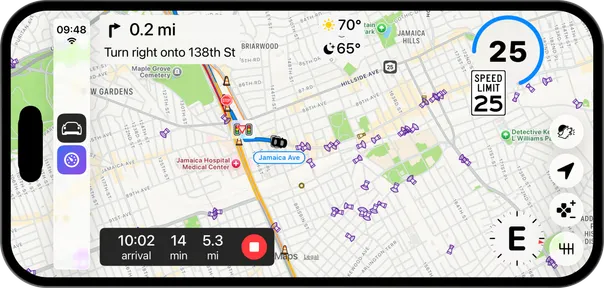
| Customizable CarPlay widgets | Yes | No |
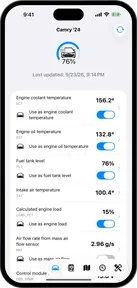
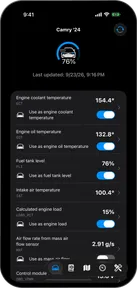
| Car data | Yes | No |
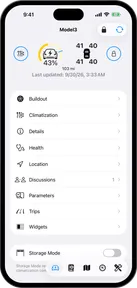
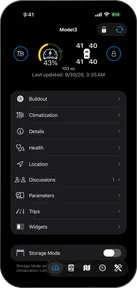
| Connected Accounts | Pelican+Yes | No |
| Apple Watch | ||
| Apple Watch app | Yes | Yes |
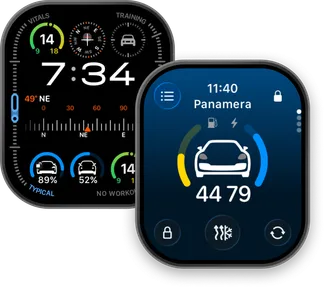
| Car status complications on the watch face | Yes | No |
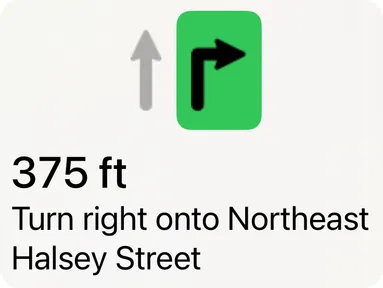
| Navigation instructions on the watch | No | Yes |
| Turn-by-turn haptics on the watch | No | Yes |
| Cameras and your range on the map | ||
| Cameras | Yes | No |
| See your range on the map | Pelican+Yes | No |
| Charging stops | No | Yes |
| Driver reports | ||
| Driver reports | Yes | No |
| Navigation | ||
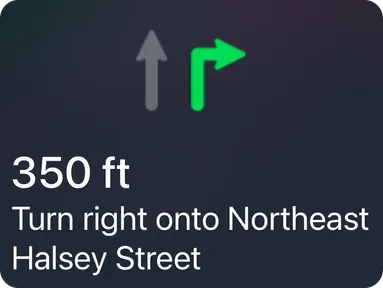
| Lane guidance | Yes | Yes |
| Speed limits | Yes | Yes |
| Offline maps | Pelican+Yes | Yes |
| Platforms and price | ||
| iPhone | Yes | Yes |
| iPad | No | Yes |
| CarPlay | Yes | Yes |
| Apple Watch | Yes | Yes |
| Mac | No | Yes |
| Web | No | Yes |
| Price | Free | Free |

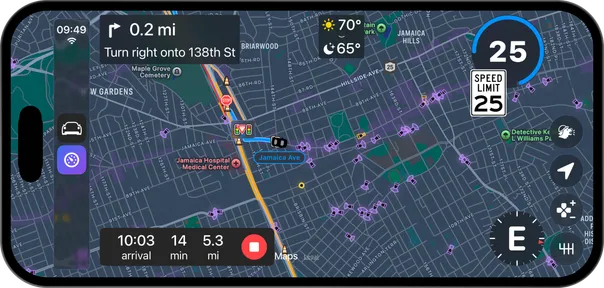
How Pelican stands out
Pelican is focused exclusively on the driving experience, and provides features that are tuned to drivers who want to get more out of their car.
How Apple Maps stands out
Apple Maps is built into every Apple device and supports more navigation modalities.
Using both
Pelican isn’t only an alternative to Apple Maps. Pelican has two routing engines: Pelican Navigation and MapKit Navigation, Apple’s routing engine. You can switch between them at any time.