CompareNavigation apps
Pelican vs. Google Maps
Google Maps is the industry standard swiss army knife of maps and navigation. Across the planet, Google's places data is best-in-class and it provides multi-modal navigation with real-time road data from Waze. Pelican overlaps with some features of Google Maps, and expands on the driving experience in many other ways.
Who Pelican is for
Drivers who want a better understanding of their car and how it impacts their drive, and who prefer to have more privacy-preserving options without ads.
Who Google Maps is for
Anyone who wants one free app for driving, transit, walking and cycling, built on Google's places data and Street View, on nearly any device.
Features side by side
| Feature | Pelican | Google Maps |
|---|---|---|
| CarPlay, Apple Watch and your car | ||
| CarPlay | Yes | Yes |
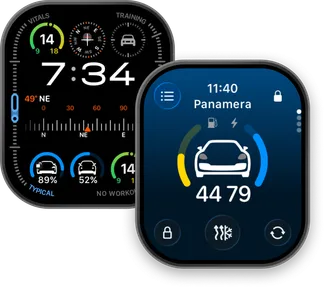
| Customizable CarPlay widgets | Yes | No |
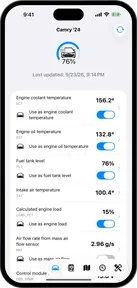
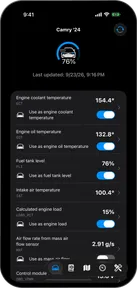
| Car data | Yes | No |
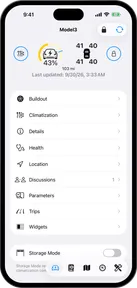
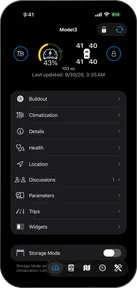
| Connected Accounts | Pelican+Yes | No |
| Apple Watch app | Yes | Yes |
| Cameras and your range on the map | ||
| Cameras | Yes | Yes |
| See your range on the map | Pelican+Yes | No |
| Charging stops | No | Yes |
| Driver reports | ||
| Driver reports | Yes | Yes |
| Trips | ||
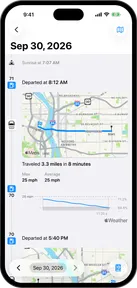
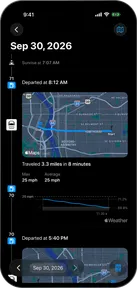
| Location history | Pelican+Yes | Yes |
| Navigation | ||
| Real-time traffic estimates | MapKit ETAs | Yes |
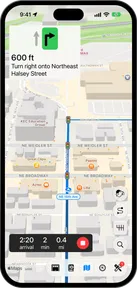
| Lane guidance | Yes | Yes |
| Speed limits | Yes | Yes |
| Offline maps | Pelican+Yes | Yes |
| Platforms and price | ||
| iPhone | Yes | Yes |
| iPad | No | Yes |
| CarPlay | Yes | Yes |
| Apple Watch | Yes | Yes |
| Android | No | Yes |
| Android Auto | No | Yes |
| Web | No | Yes |
| Price | Free | Free |

How Pelican stands out
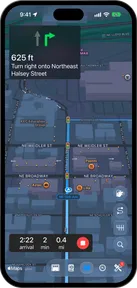
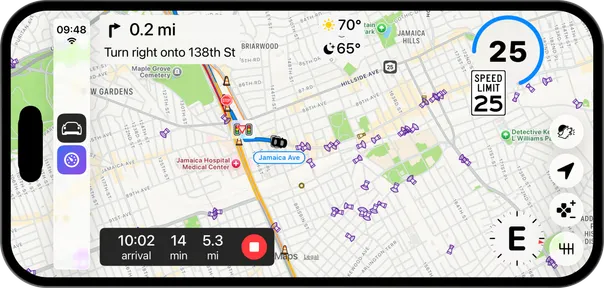
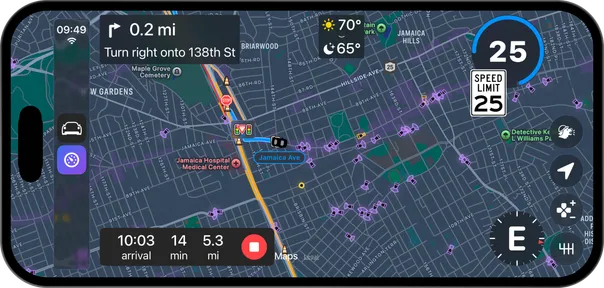
Pelican is focused exclusively on the driving experience, and provides features that are tuned to drivers who want to get more out of their car.
How Google Maps stands out
Google Maps has the most comprehensive traffic and place information of any navigation product, and can provide some of the best ETAs accordingly.