Pelican 4.0
Redesigned Settings, and unlimited document scanning
Dear community,
This release marks a major milestone, not just in features, but in an evolution of the brand: Sidecar is now called Pelican.
I feel like when naming things, "if I fits I sits", and Pelican is a name that has felt like a perfect fit. PeliCAN speaks to the Controller Area Network powering many cars, and the pelican is a creature that carries far more than seems possible, effectively filtering out the signal from the noise.
This is the product I'm building. A product that sits at the intersection of your entire driving experience, filtering out the important parts, so that you can focus on the road.
To many miles ahead,
Jeff

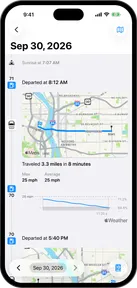
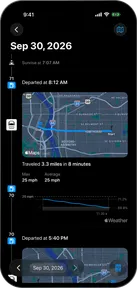
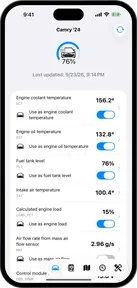
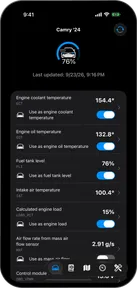
Redesigned settings
NewSettings has been completely reorganized into a clear, hierarchical layout. Finding what you need is now faster and more intuitive.
More quick destinations
NewPin up to four frequent places on the logbook and CarPlay dashboard, up from two.
Smarter car identification
ImprovedPelican now optimizes its handshake sequence based on the cars you drive most frequently, getting you scanning faster.
Scanner connectivity
Bugfix- Fixed bug where BTLE scanners at the edge of Bluetooth range would rapidly connect and disconnect in a loop. The scanner now stops automatic reconnection when a connection ends before any successful commands.
- Fixed bug where the scanner status showed "Disconnected" even though the device had never been connected. It now correctly shows "Ready to connect".
Deletable scan sessions
NewYou can now delete scan sessions from the Logbook tab.
Background database optimizations
ImprovedWhen a database migration is needed after updating, the app now shows a progress indicator instead of appearing frozen. The main thread stays responsive throughout.
iCloud sync
BugfixSimulated cars are no longer synced to iCloud.