Cars that work with Pelican
Pelican is designed to work with any engine type by shaping itself to your car's capabilities.
As a navigation product, Pelican works with any type of vehicle, and different elements of the user interface will change depending on which vehicle you’re driving or interacting with. To keep things simple, “car” means any kind of wheeled vehicle: motorcycles, semi trucks, and even fork lifts work with Pelican.
Engine type
Pelican splits cars into three engine types: combustion, hybrid and electric. A diesel car is a combustion car. A car with a fuel tank and a high voltage battery is a hybrid.
With a Connected Account, the manufacturer tells Pelican the engine type. When you add a car by its VIN, Pelican fills the engine type from your VIN. To change it later, open your car’s page > Details, then tap Edit your make/model.
State widget
The State widget shows the fuel level of a gas car, the fuel and battery levels of a hybrid, and the charge of an electric car:
When an electric car or a hybrid charges, the widget also shows the charge rate.
Range widget
The Range widget shows how far your car can go. For a hybrid, the range is the electric range plus the fuel range:
If the car doesn’t report its range, Pelican estimates it from the buildout and the current levels. A combustion car’s estimate uses the fuel level, and an electric car’s uses the battery level. A hybrid’s estimate adds the electric-only range at the battery level to the rest of the range at the fuel level.
Buildout
The buildout asks for what your engine type uses. A car that uses fuel has a Fuel tank size, and a hybrid also has an Electric-only range. A hybrid that uses its battery mostly to start the engine can turn on Ignore battery for range. See Buildout.
Battery and fuel history
The car page shows the last 24 hours of levels under Battery history for an electric car, Fuel history for a combustion car and Battery / fuel history for a hybrid:
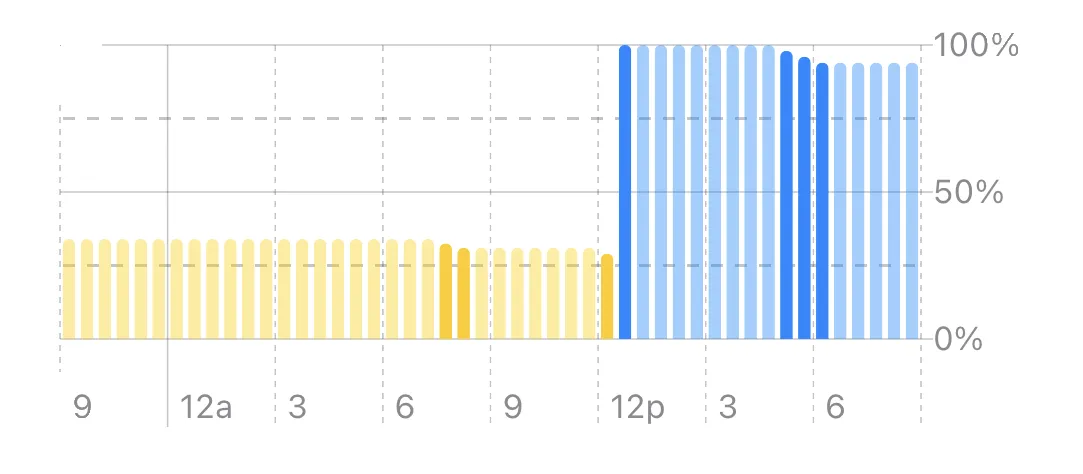
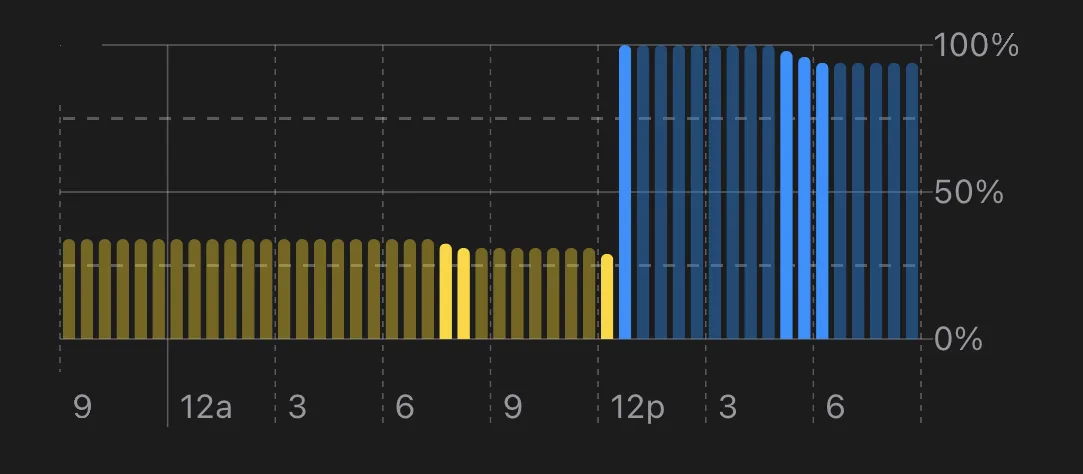
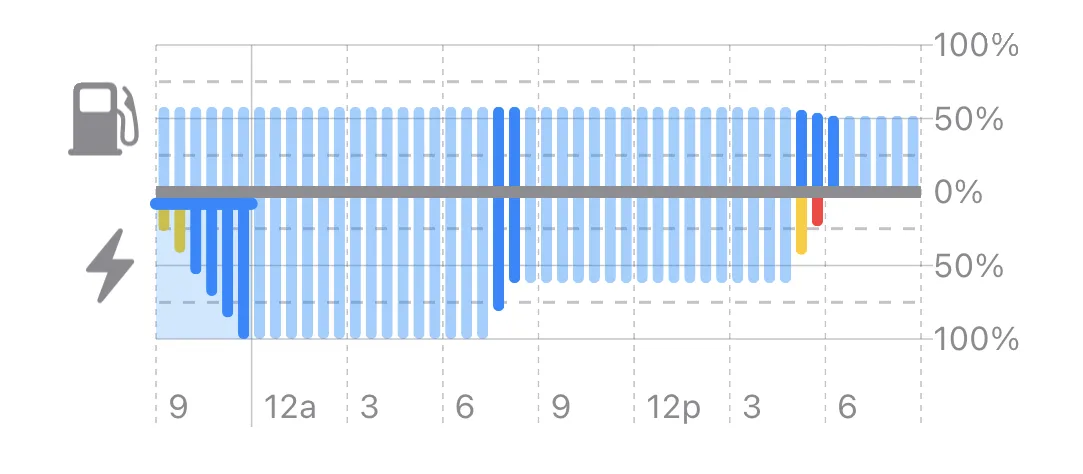
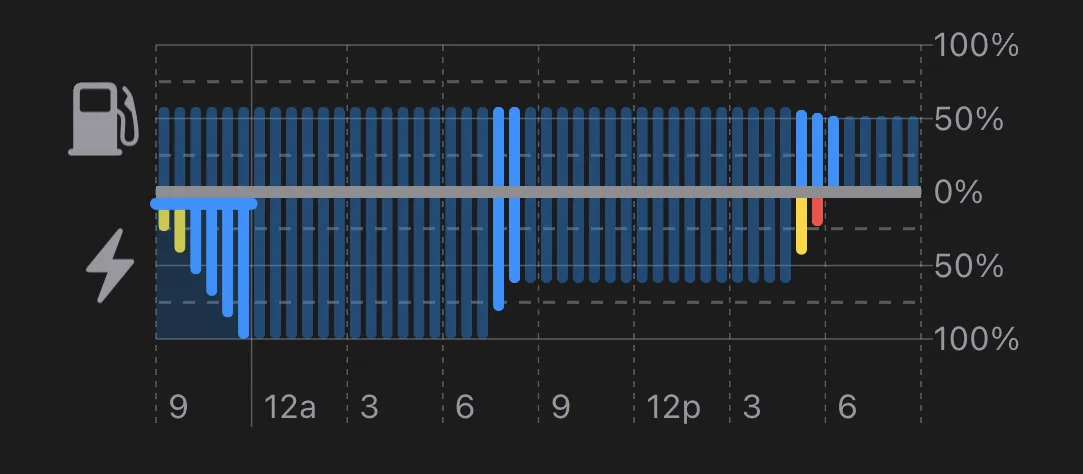
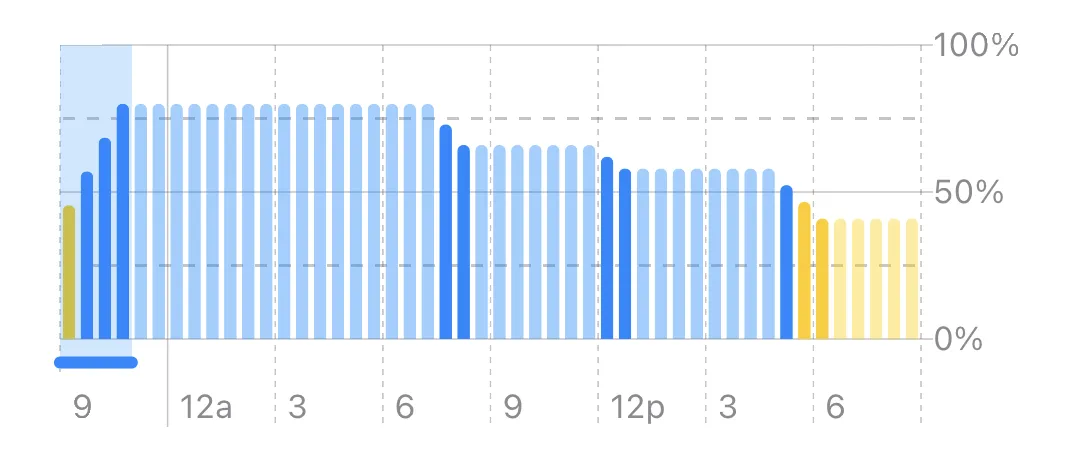
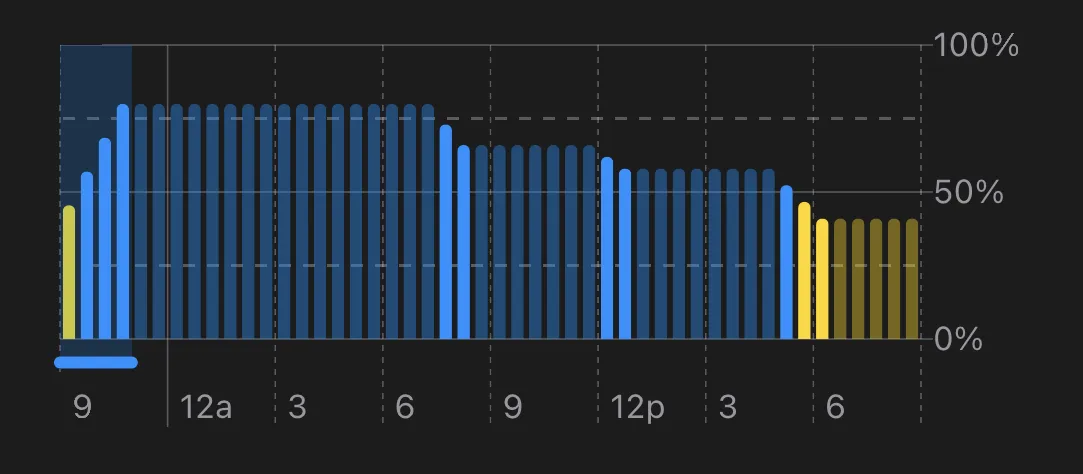
For a hybrid, the chart draws the battery below the middle line and the fuel above it. The Battery/fuel history widget shows the same chart on the Home Screen.
Trips
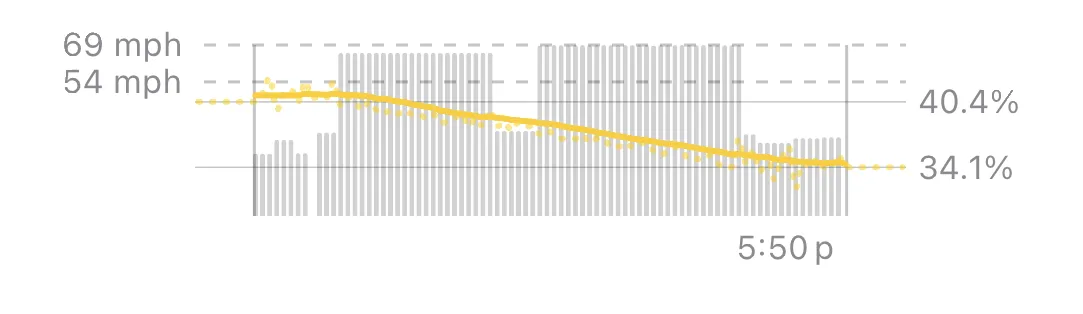
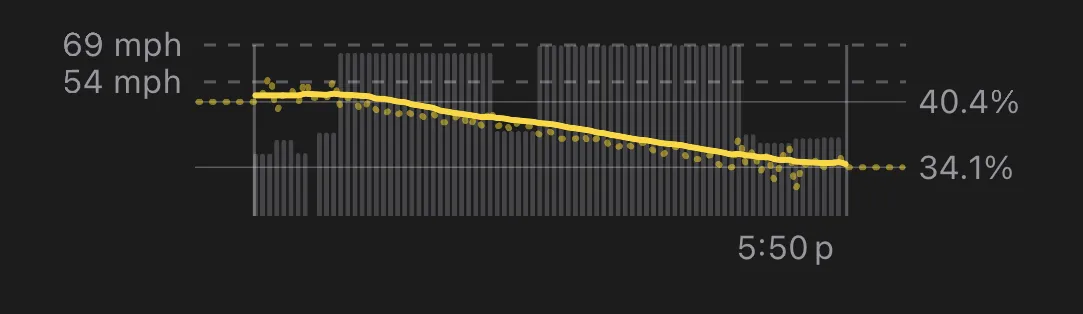
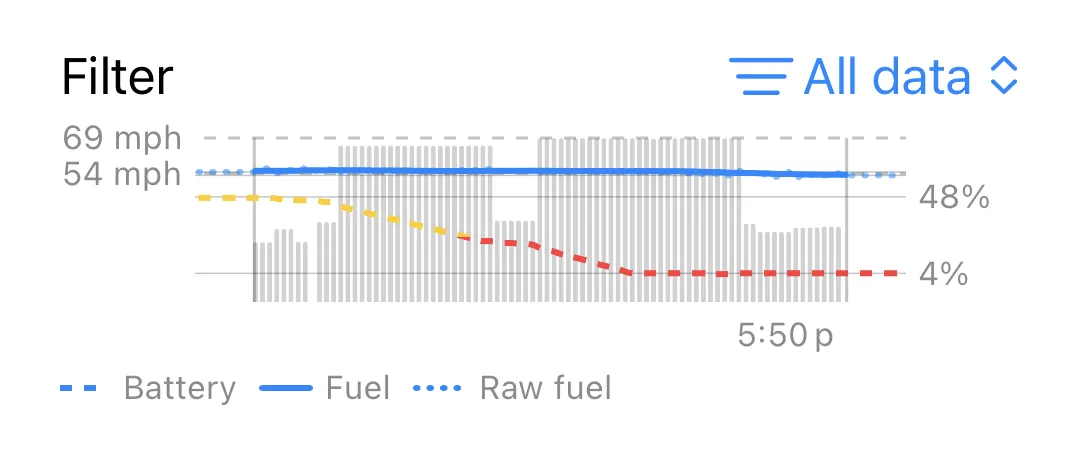
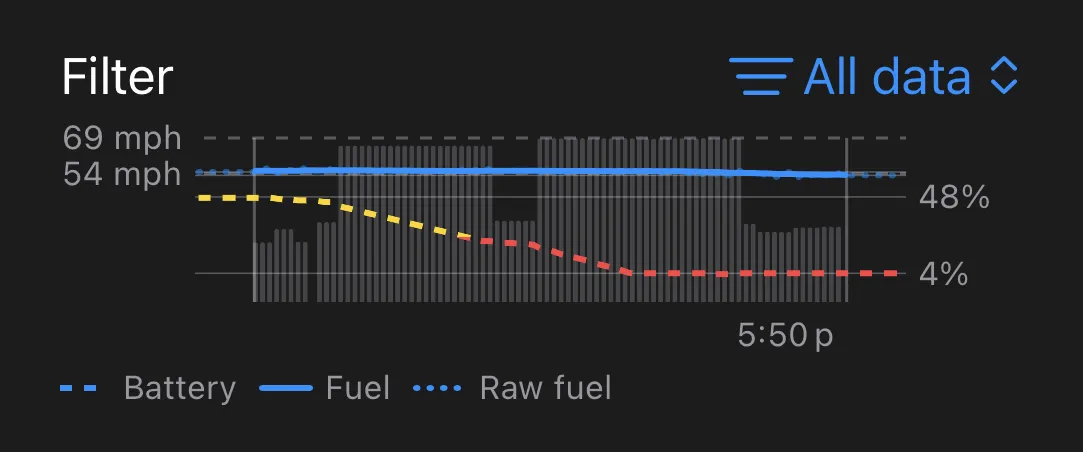
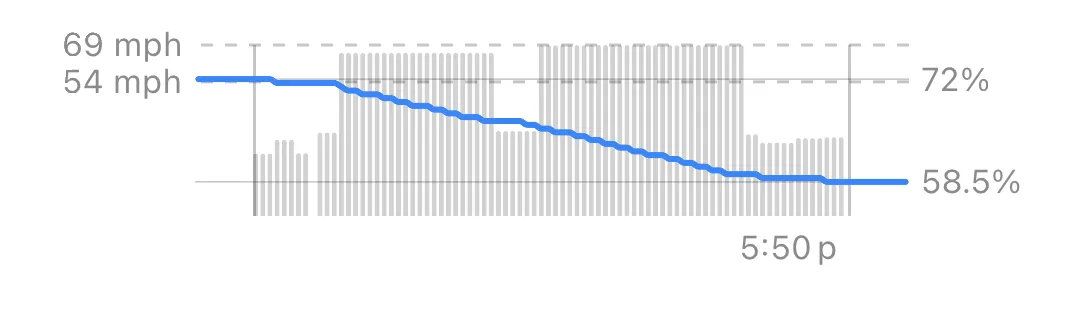
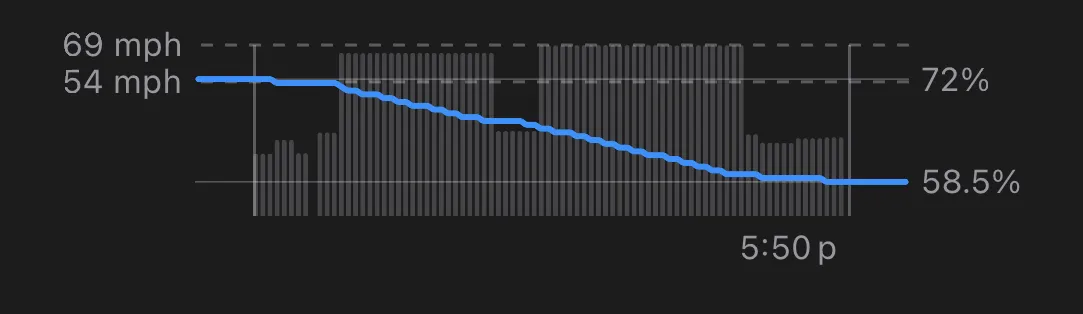
The chart of a trip shows the speed of the car as gray bars in the background, with the fuel level of a gas car, the battery level of an electric car, or both for a hybrid shown as a colored line:
Health
Some electric cars can report their high voltage battery health. For combustion Nissan / Infiniti cars, CVT deterioration can be monitored. Pelican reads both from the OBD scanner.
Charging Live Activity
Pelican+An electric car or a hybrid that charges can show a Live Activity with the battery level and the charge rate:
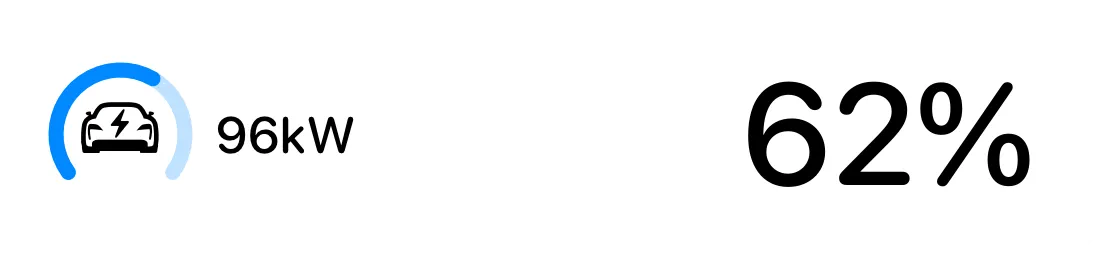
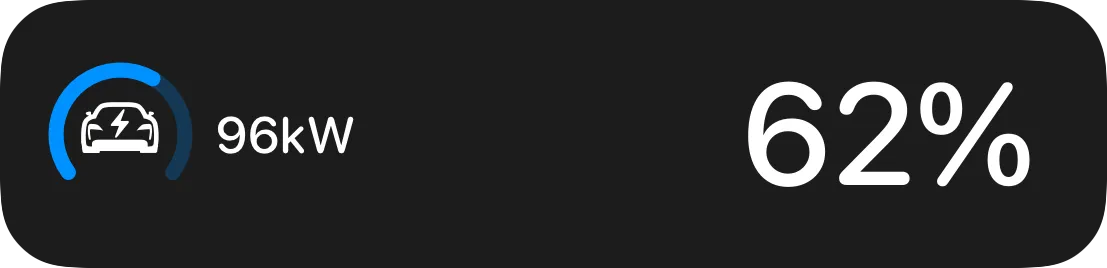
To enable Live Activities, open Settings > Notifications > Live Activities, and turn on When charging. The Live Activity starts when the charge rate reaches the Minimum rate on that screen.
Makes and models
To read these levels, Pelican connects to your car through an OBD scanner or a Connected Account. Cars sold in the US since 1996 have an OBD-II port. In Europe, petrol cars since 2001 and diesel cars since 2004 have one. The readings that your car reports depend on its make and model.
Pelican knows thousands of makes and models:
To see what Pelican can read from your car, check out the car catalog.